Updating the Slide Shows
The slide shows are defined using the Meta Slider plugin. To change a slide show, you must first go to the Meta Slider menu item on the left panel of the Dashboard.
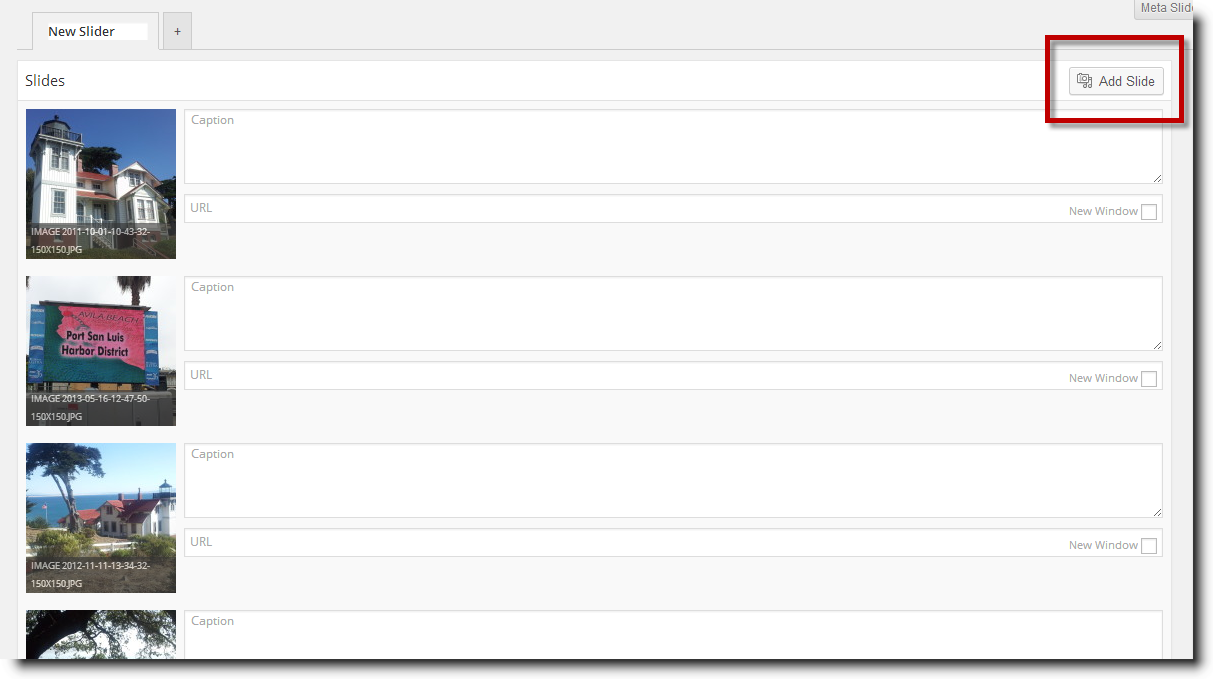
This will bring up a page showing all the current slides in the slide show. This list shows thumbnails of the slides in the order of the slide show.
To add a new image to the slide show, click on the Add Slide button.
Doing so will bring up the Add Media page. Add the images you desire and then click on the Add to Slider button at the bottom right of the page.
This will insert the image into the slide show list. You can change the order of the slides by clicking and dragging the thumbnail image.
You can delete a slide by clicking on the red X that appears when you hover your cursor over a thumbnail image.